

Unreal Engine 5 Tutorial: How to Use - Stylized Poly Nature Environment

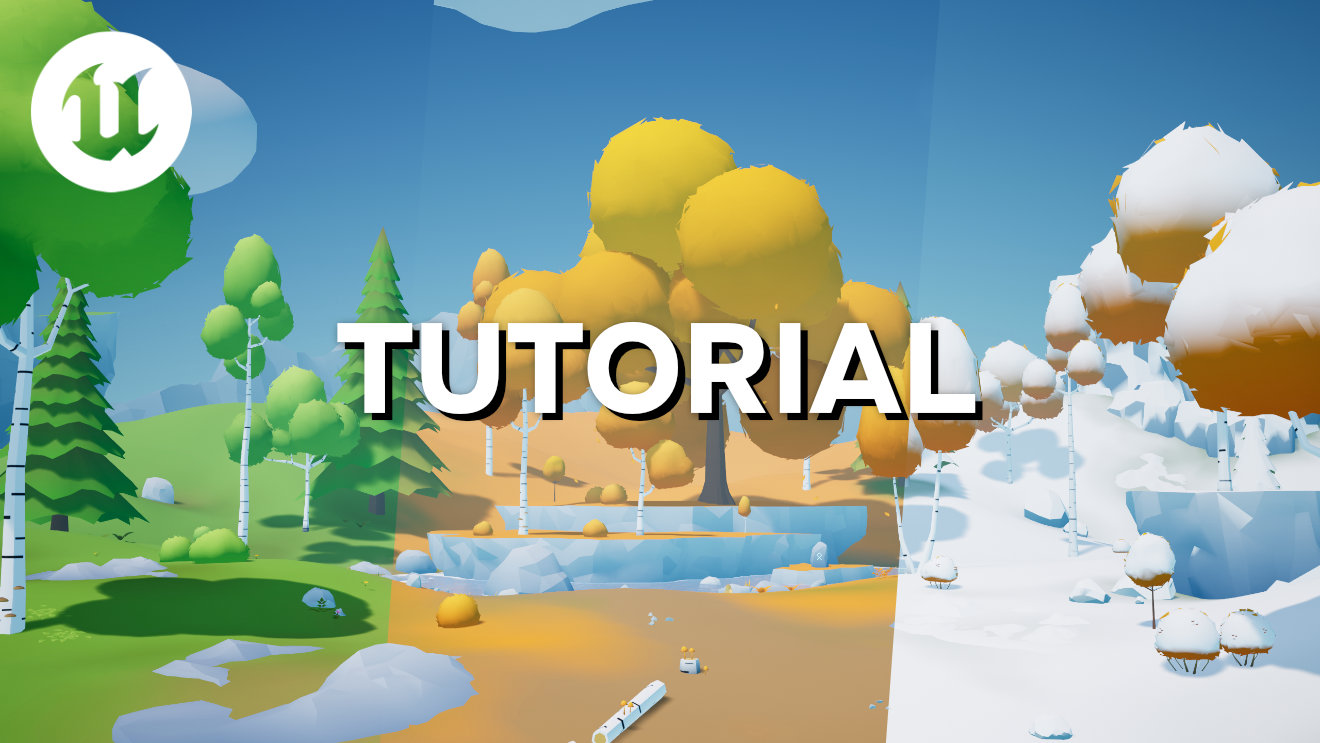
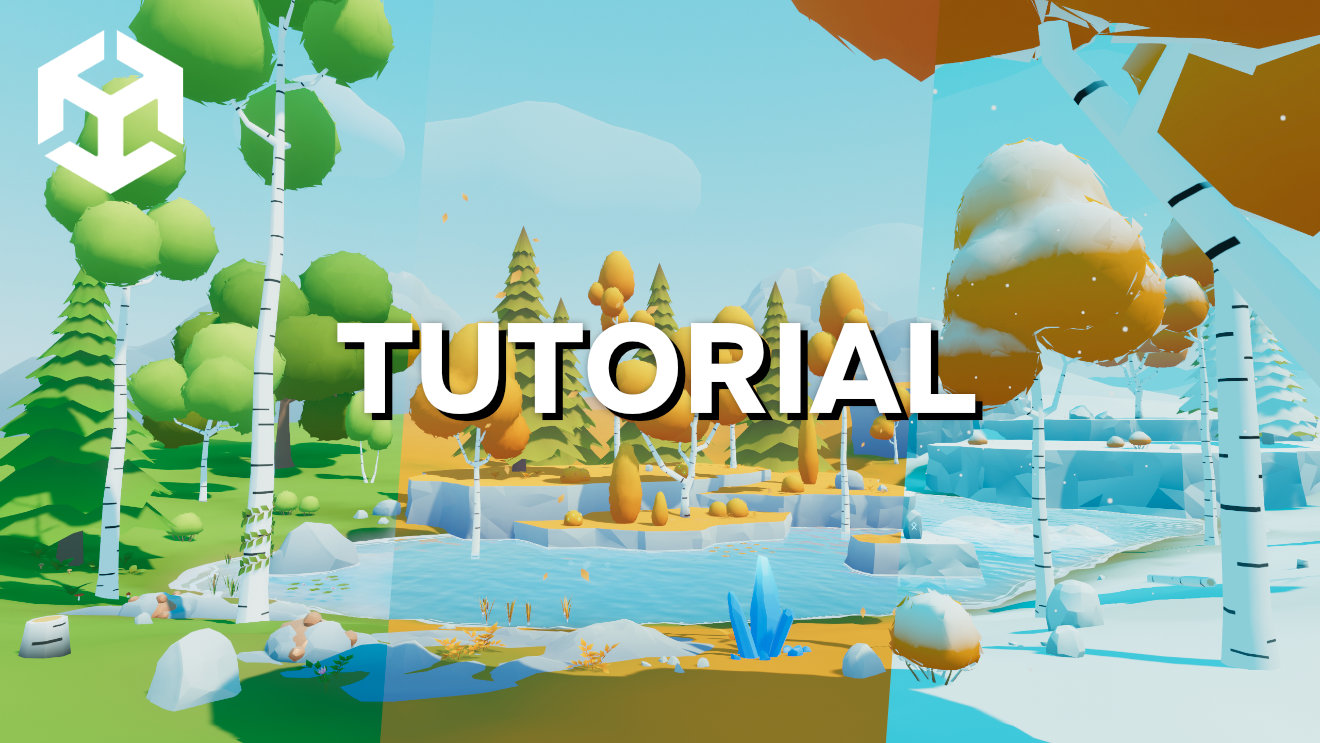
In this Unreal Engine 5 tutorial, I will show you how to use the Stylized Poly Nature Environment - Available on Fab for both Unreal Engine & Unity.

In this video tutorial, I've used UE 5.7

This page contains affiliate links. If you purchase a product or a service through one of them, I will receive a small commission (at no additional cost to you). I only recommend products or services that I have personally used and benefitted from personally. Thank you for your support!

Tutorial requirements

Unreal Engine 5.1 or newer

Downloads / Resources

Stylized Poly Nature Environment - Unreal Engine 5 & Unity asset pack available on Fab Marketplace.

Watch tutorial

In this video tutorial I will cover things like:

00:00 Project Settings

04:23 How To Use The Assets

06:23 Lighting & Post-Processing

07:41 Skybox Materials

09:54 VFX / Particle Effects

11:47 Materials

19:16 Texture Color Editing

23:06 UE 5 Landscape

26:36 Paint Foliage (Grass, Plants, Trees)

Thank you for stopping by! :)

If you want to support me, you can do that by subscribing to my YouTube channel or by buying my Game Assets. This helps me to create more content for you guys! Appreciate any support :)
Share This Tutorial
Comments

Recent Posts

Be The First to Know

Join LMHPOLY newsletter and get all the news straight to your inbox: game assets, tutorials, videos, blog posts, products, product updates, and FREE stuff.

I respect your privacy.